Telling Technology · Learning in public
All episodes
EP.11 — TELEGRAM AI
Phone and terminal vs the official apps

Why my Telegram AI beats the official Claude app

Everyone opens the polished Claude app and desktop. I mostly use a Telegram bot and a bare terminal instead — and for getting real things done, they win. Same AI brain underneath; a very different cockpit. Here's the honest scoreboard.
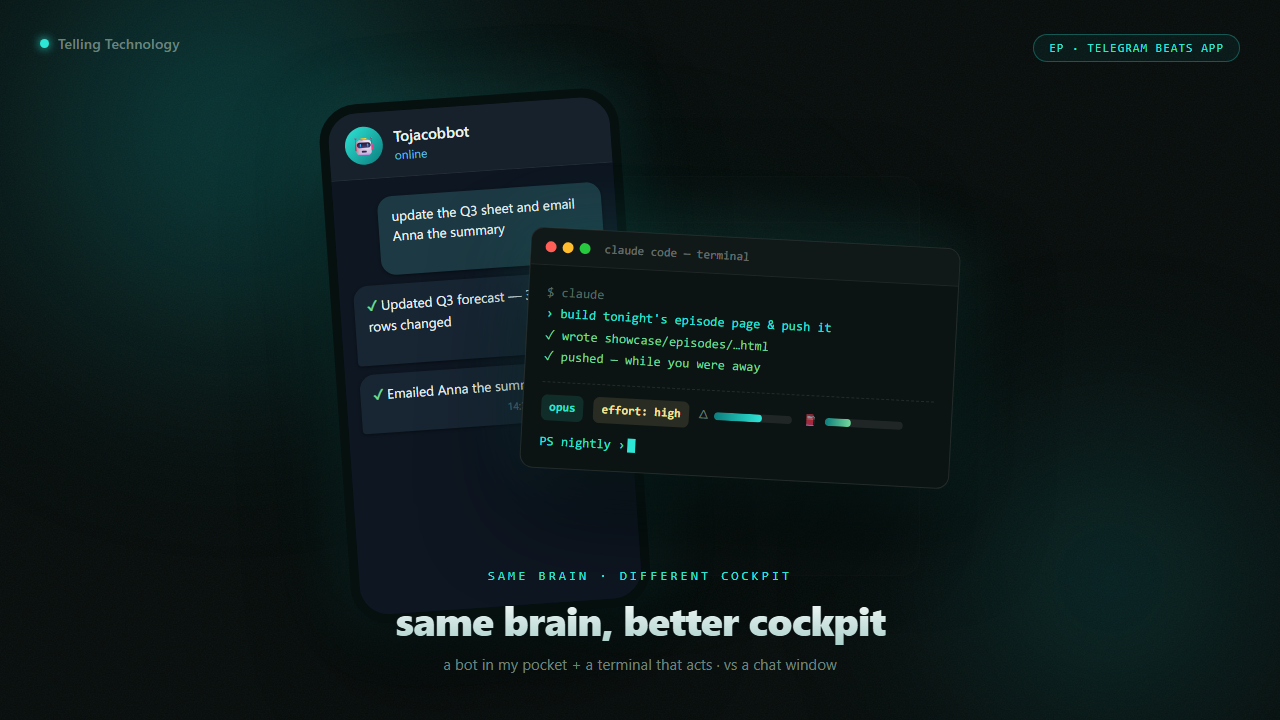
Split image: a phone showing a Telegram AI bot mid-task on the left, a terminal with a custom status line on the right, the polished Claude app faded behind them
⌁ same brain · different cockpit · phone + terminal
First fight: the bot in my pocket vs the app everyone opens
01 Round 1 · pocket vs app

The bot in my pocket does things the app can't

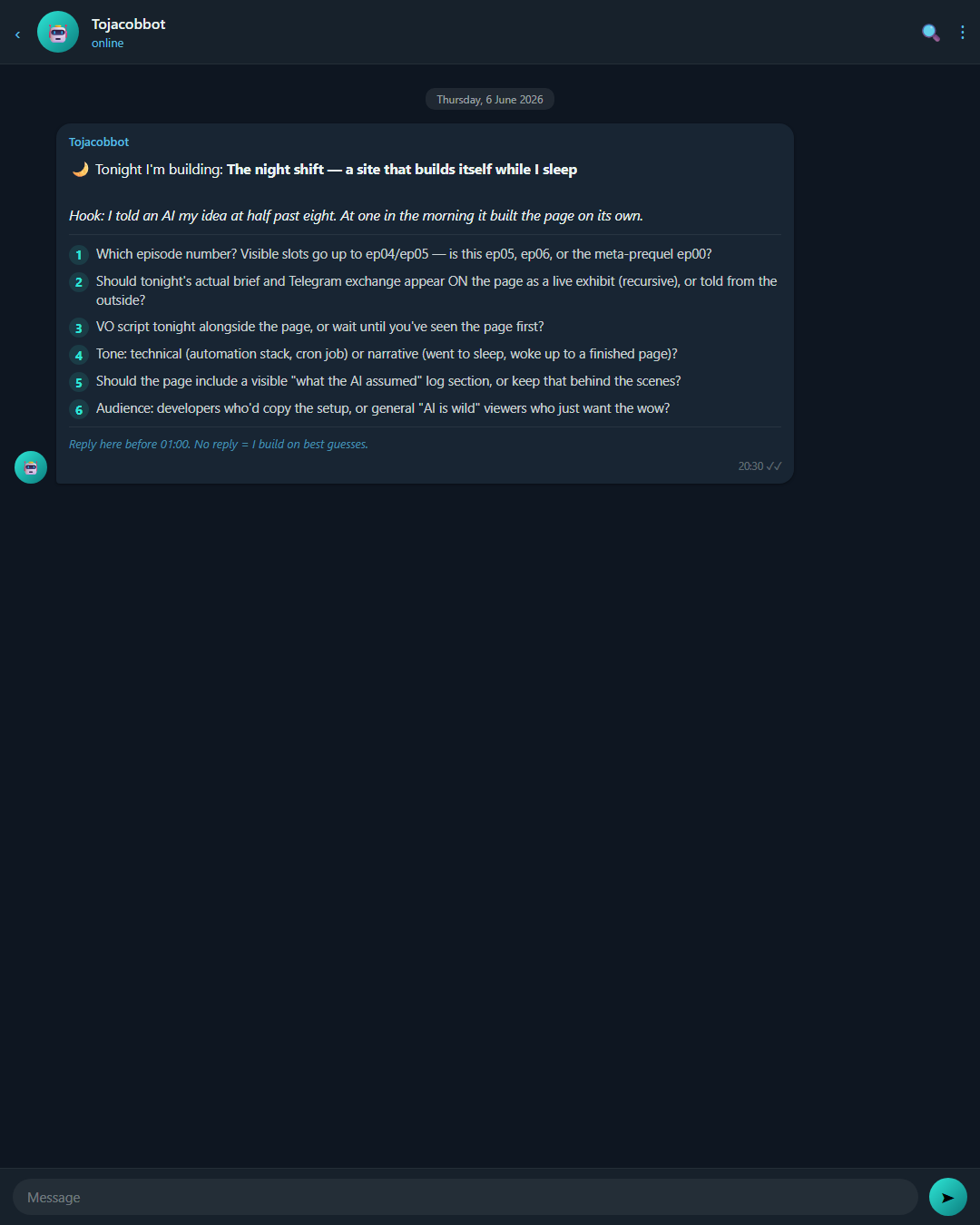
The Claude app is a lovely chat window. My Telegram bot is the same AI wired into my actual life: it can read and write my real files, run my scripts, send an email, update a spreadsheet — and it messages me first. At 20:30 it pings my phone to plan tomorrow. It remembers across days in plain files I can open and read. I add new skills to it from the phone. None of that fits inside a chat box.

telegram — on my phone
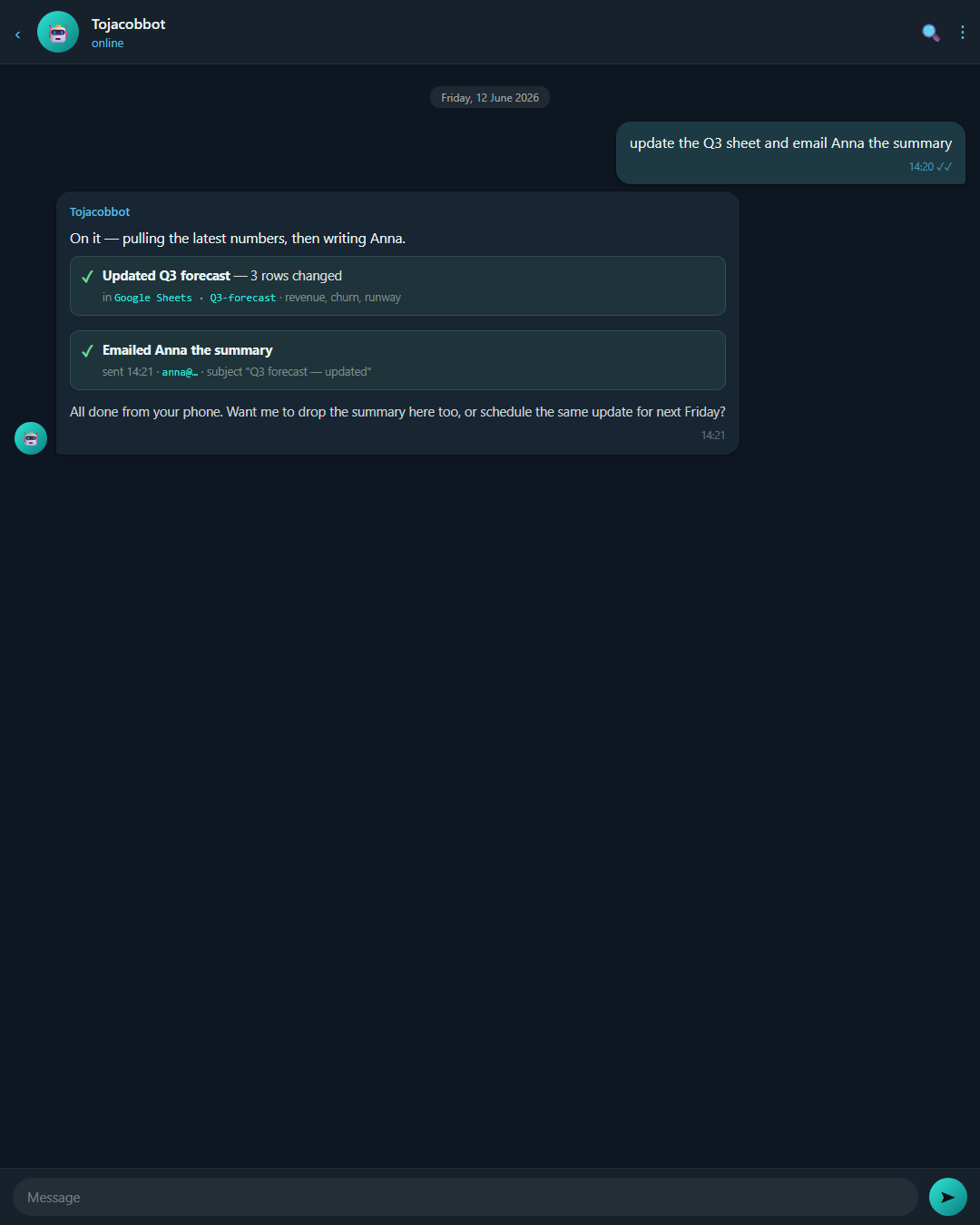
> mark this week's episode as shipped and email the client the link
Done from your phone: edited episodes.json, flipped status to live, sent the email through the gws CLI. The Claude app can't touch your files, your sheet, or your inbox.
Phone screenshot of the Telegram bot confirming it updated a spreadsheet and sent an email
on my phone
a real task, done from the lock screen
02 Round 2 · terminal vs desktop

The terminal is a cockpit; the desktop app is a window

On the desktop, Claude lives in a tidy window. In my terminal it lives in a cockpit I built: a custom status line that shows how much brain it has left, hooks that fire on every action, a quick ! to run a shell command inline, and claude -p to script the AI into other jobs. I can even SSH into an always-on machine and let it keep working while I sleep — the fuel gauge from EP.10 is part of that same dashboard.

claude code — terminal
> !git status  — then: build tonight's episode page headless and push it
Ran the shell inline with !, then went headless via claude -p on the always-on box — built and pushed while you were away. The desktop app has no status line, no hooks, no inline shell, no scripting.
Terminal showing the custom Claude Code status line: model, effort, and two live fuel bars on one row
my cockpit
custom status line — the desktop app has nothing like it
03 Fair fight · where the apps win

The official apps still beat me at three things

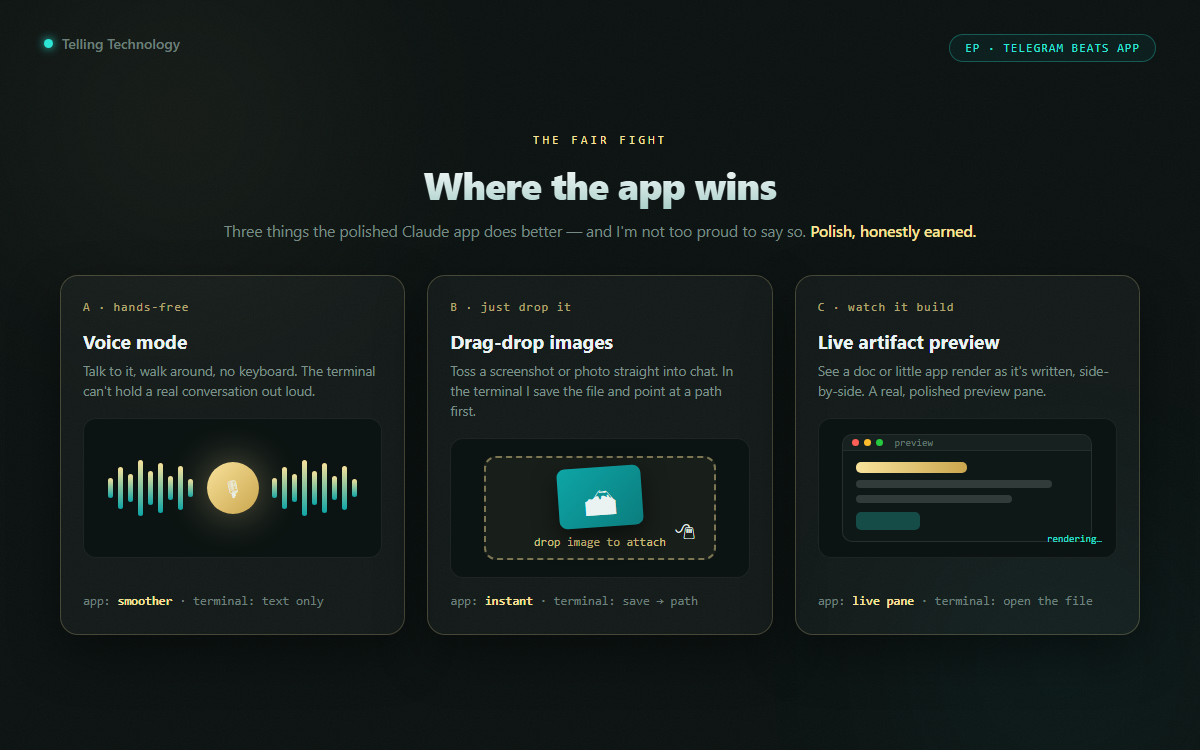
This isn't a clean sweep, and pretending it was would be dishonest. The polished apps win on voice mode (talk to it hands-free), drag-and-drop (toss in a screenshot, a PDF, a photo), and live previews (watch a doc or a little app render as it's written). My terminal and bot can do rougher versions of all three — but the apps just feel smoother for those moments. Same brain underneath; a nicer surface.

claude app — drag & drop
> can you read this screenshot I just dragged in?
In the app: instant — drop the image, it sees it. In my terminal I save the file and point at the path first. Smoother surface, same brain. Polish 1 · Power still ahead overall
The Claude app showing voice mode, a drag-and-dropped image, and a live artifact preview — the three things the consumer apps do better
polish wins
voice · drag-drop · live previews — the app's home turf
⚠️

The honest scoreboard

It's a trade, not a knockout. If you mostly chat with AI, the app is friendlier. If you want it to do things — touch your files, send your email, run your scripts, message you first — the bot and the terminal pull ahead. I keep the app open for voice and drag-drop, and live in the terminal for everything else.

04 The receipts

What each one can actually do

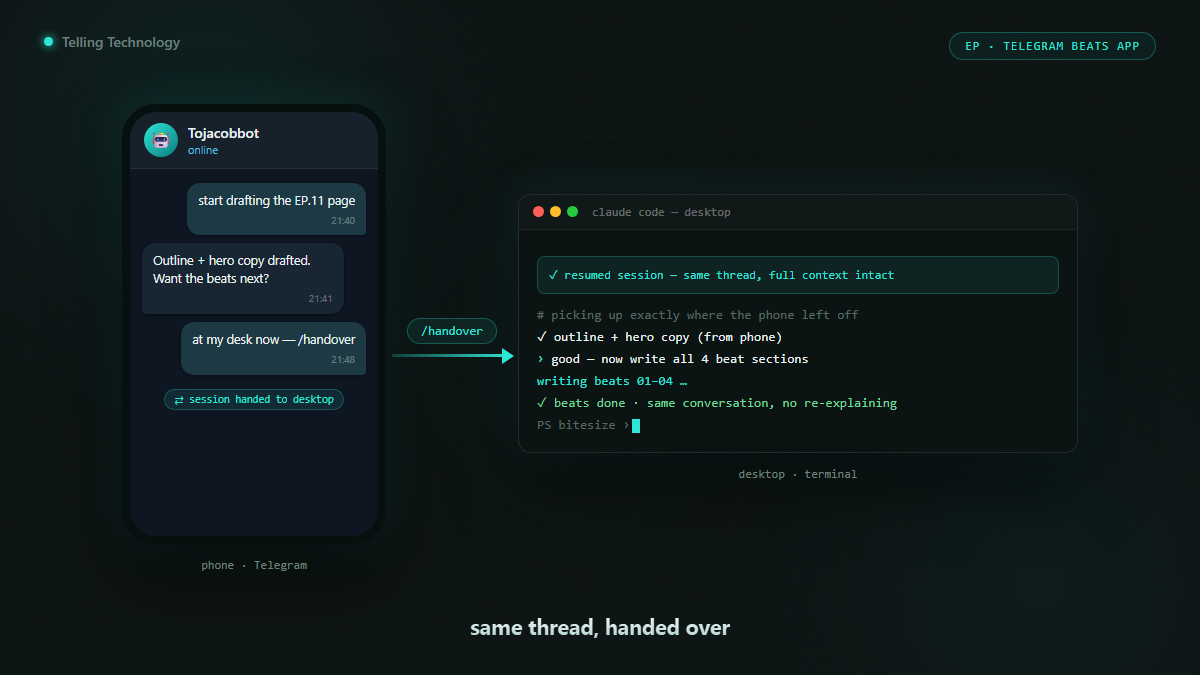
Four moments that decide it: the bot doing a real task, the ping it sends me, the terminal cockpit, and handing a live session from phone to desktop. Tap any image to enlarge it and read the exact prompt that drew it.

THE WHOLE ARGUMENT ON ONE CARD

The closer the AI sits to your stuff, the more it can do

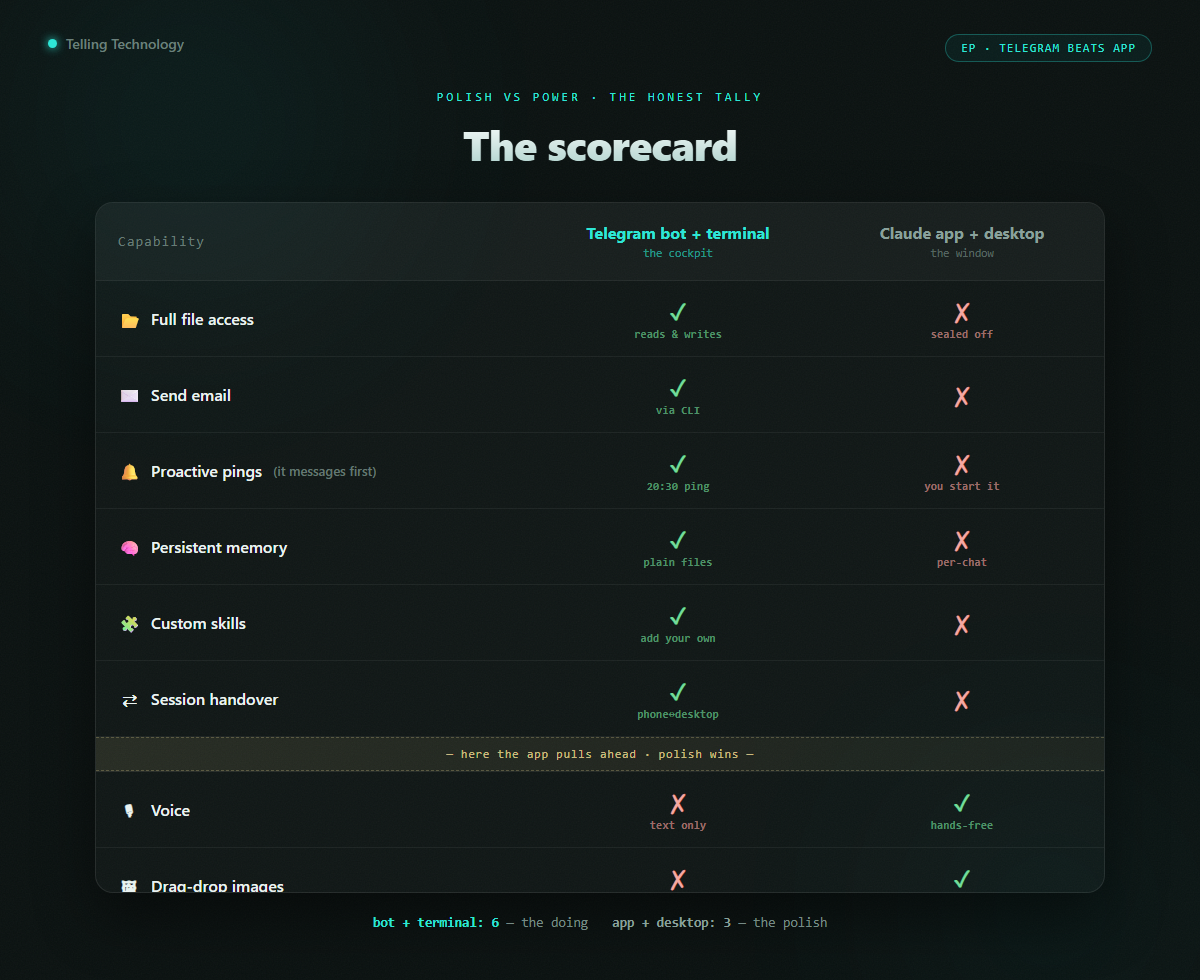
That's the whole pattern. A chat window is polished but sealed off. A bot in your messages and an AI in your terminal sit right next to your real files, your inbox, your scripts — so they can actually act. Polish versus power is a real trade, and for getting things done, power wins.

A two-column scorecard: Telegram bot + terminal vs the official Claude app and desktop, showing who wins on files, email, proactive pings, memory, voice, drag-drop and previews
phone + terminal · same brain · more reach
06 Steal this

Put the AI in your own pocket

The Telegram-bot wiring, the 20:30 proactive-ping script, the file-based memory layout, and the status line from EP.10. Everything in this episode is free and open — clone it, run it, make it yours.

skill /handover phone↔desktop cmd nightly-ask 20:30 ping template file-based memory assets status line (EP.10)
run it gh repo clone jacobskogstrom/claude-telegram-ops ~/claude-telegram-ops && cd ~/claude-telegram-ops && ./setup.sh

No GitHub? Comment POCKET on the post and the bot DMs you the link.

Next episode

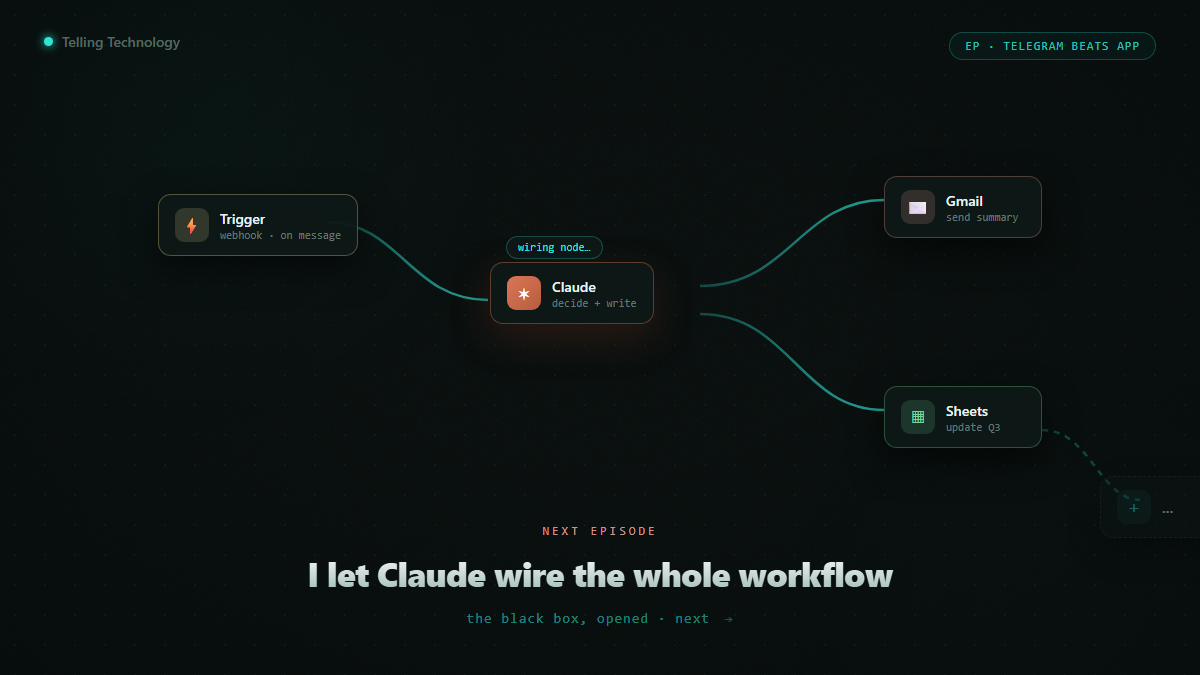
I let Claude build my n8n workflow — while a customer watched

I described one real workflow out loud. Claude wired the whole n8n automation that runs it, node by node, live. The black box, opened.

Darkened teaser — an n8n canvas filling with connected nodes as Claude wires a workflow
drops next · follow @bitesizeai so you don't miss it