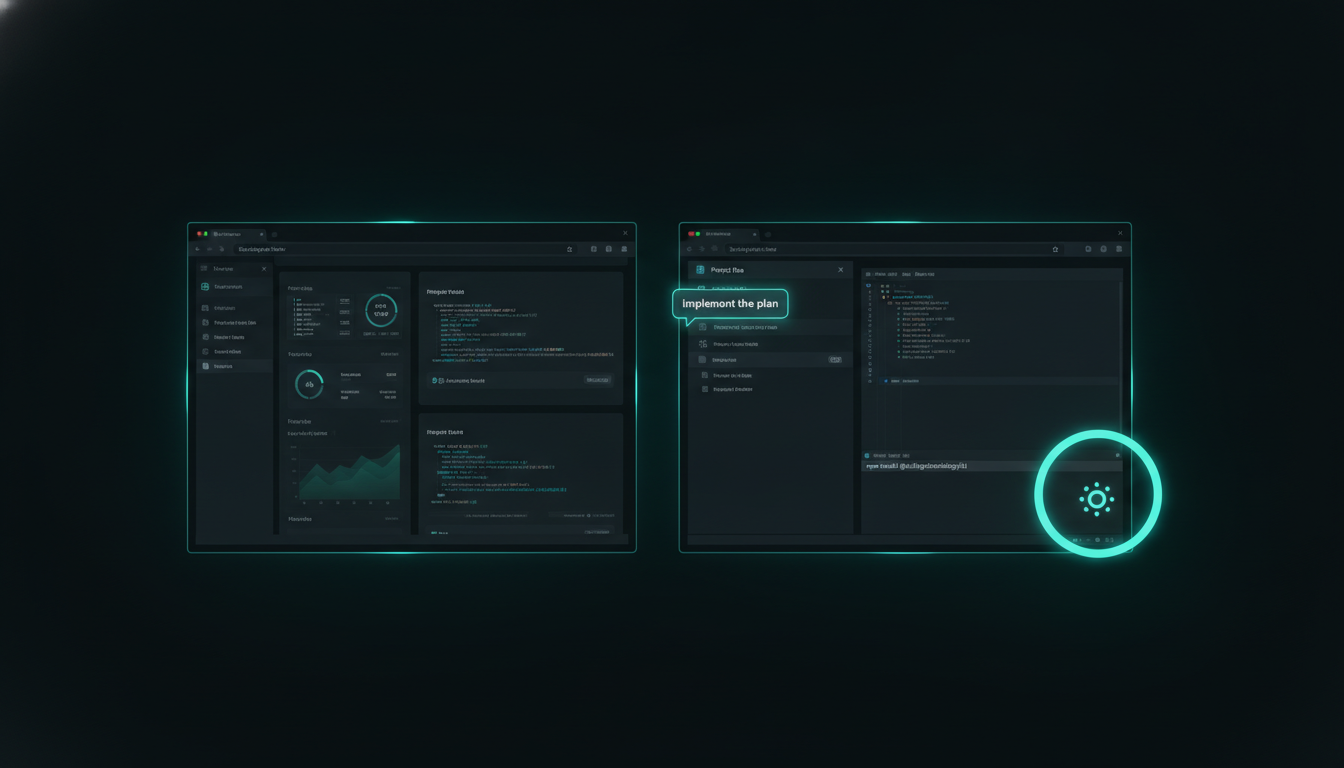
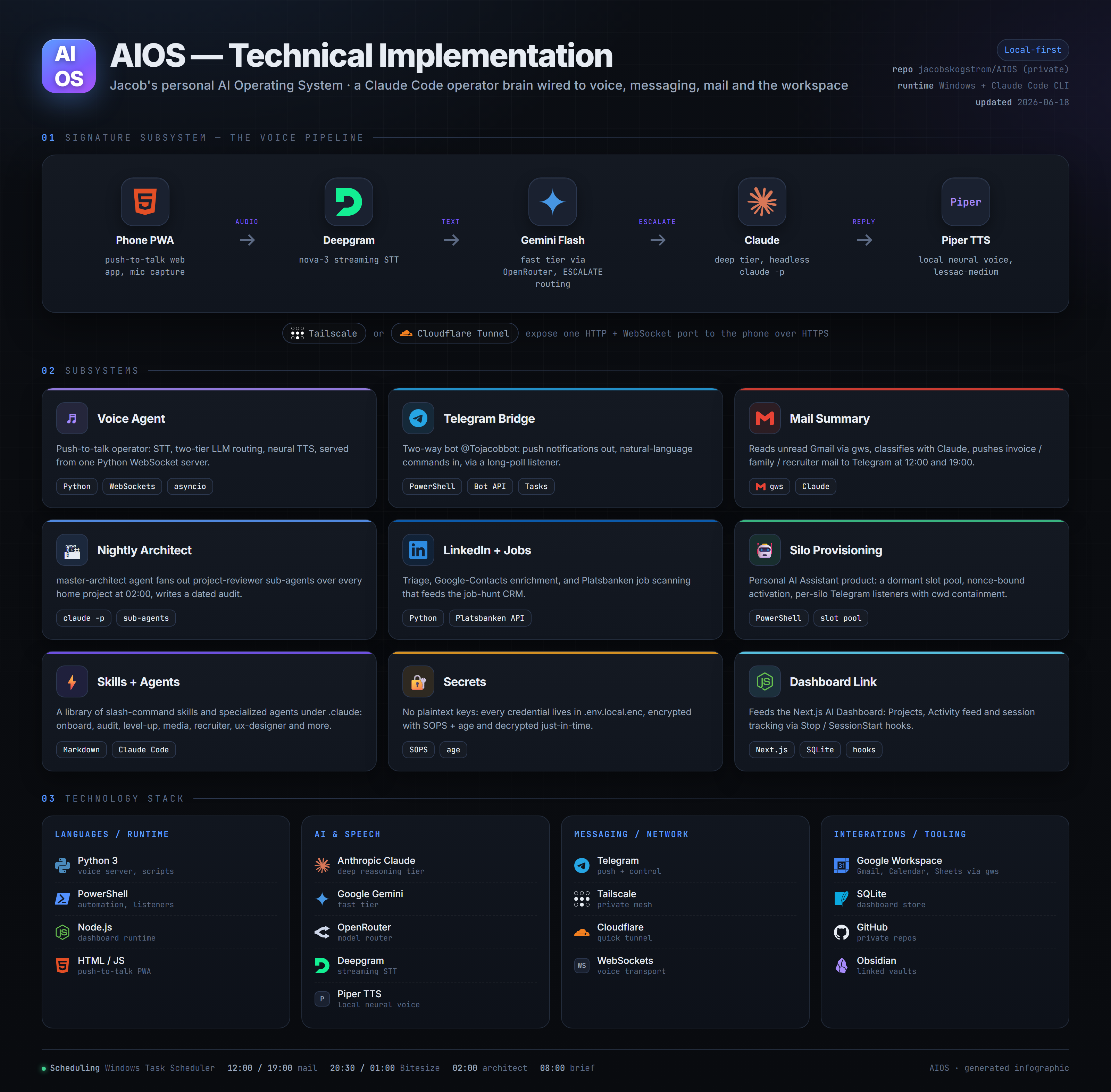
I said “on screen 2, tab 3: implement the plan” out loud — and the right AI session, on the right monitor, picked up the order and started working. No clicking between windows. No voice assistant guessing which project I meant.
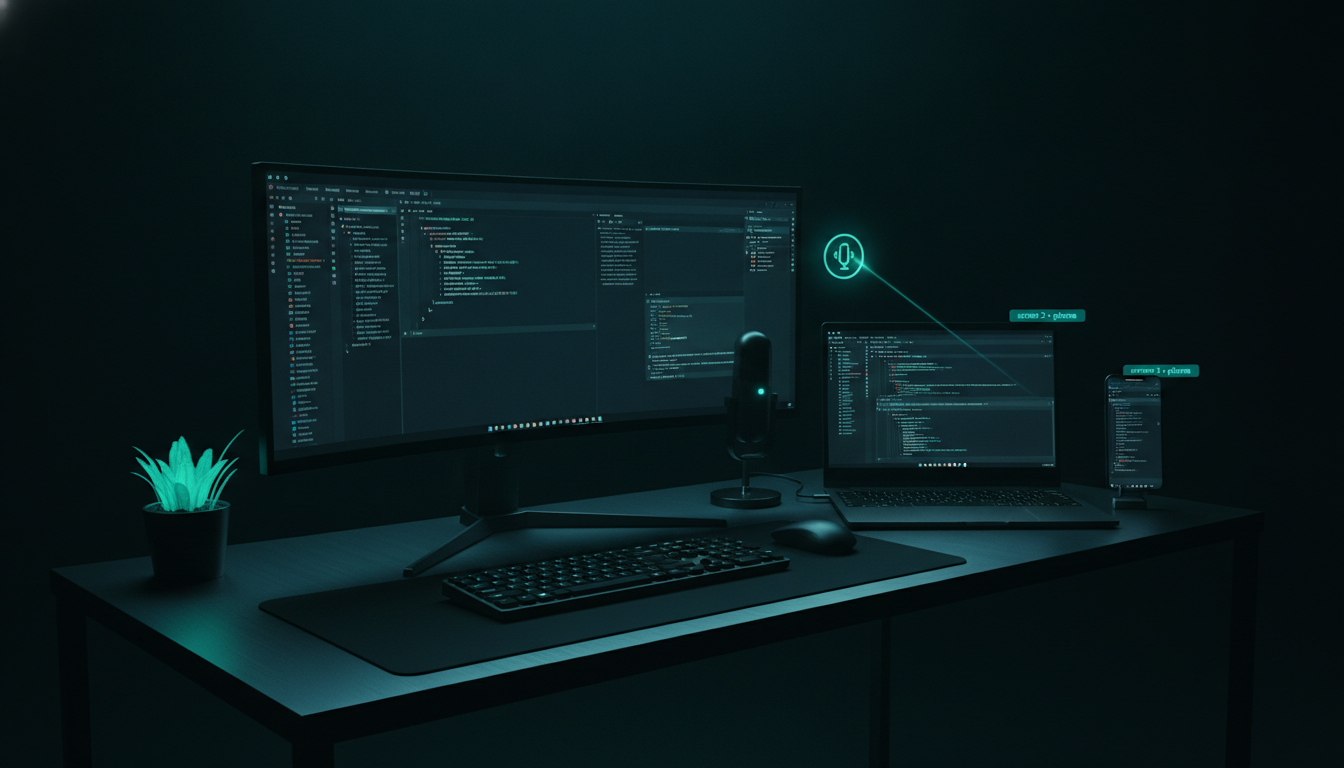
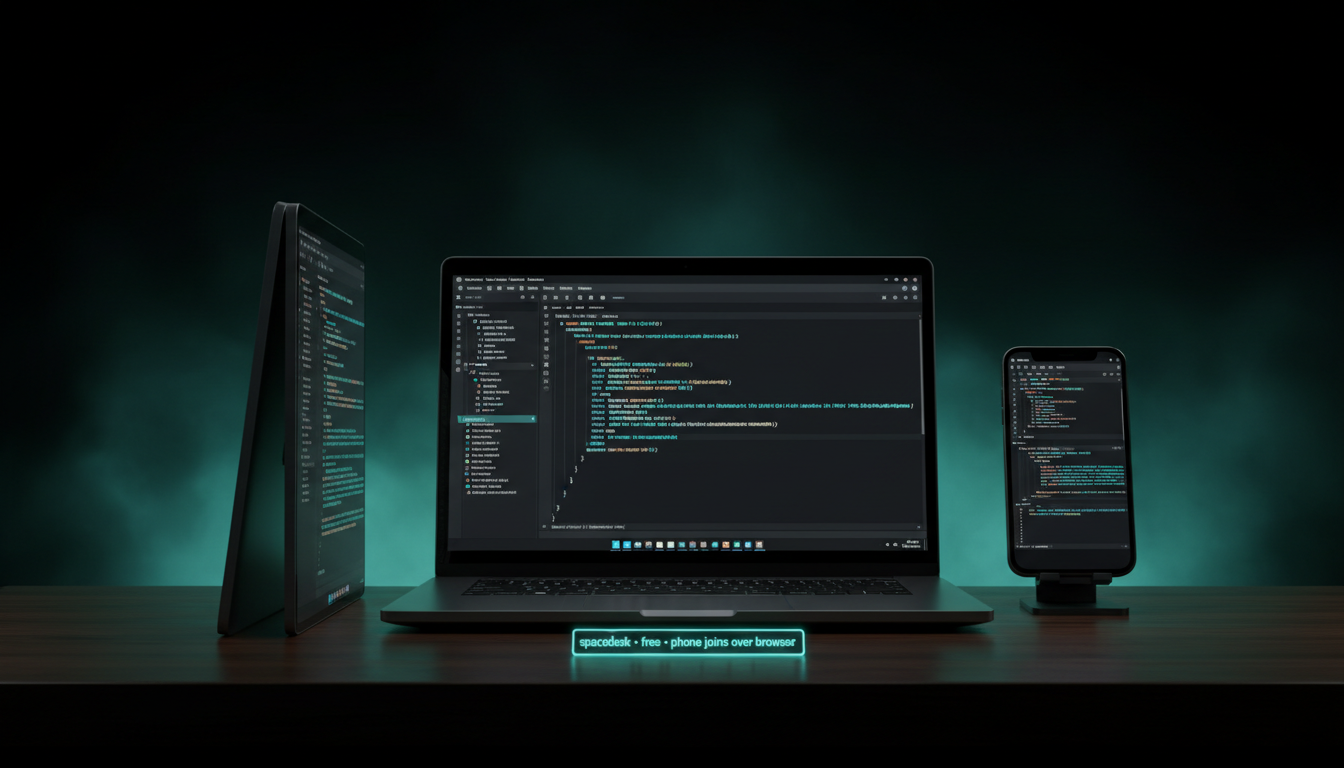
Every project runs its own VS Code window with its own Claude Code session. Switching between them by hand is the real bottleneck — and no voice assistant can target a specific window. So I built the screen fabric first: spacedesk turns any spare device into an extra monitor for free — an old laptop, a tablet, even my phone joins over its browser with no native client. I tried it live on my phone as a second screen and it just worked. The signage box I'd priced as the alternative cost 2 195 kr and couldn't even extend the desktop.
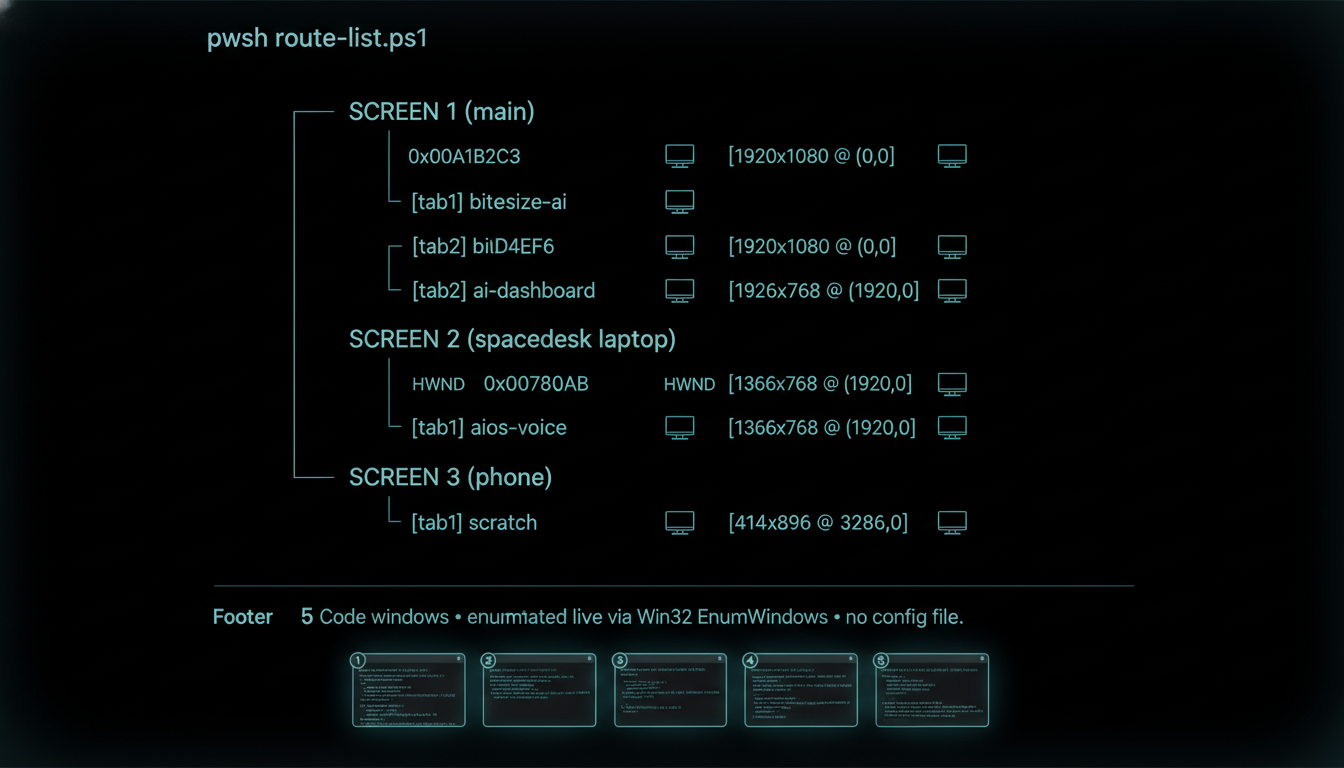
A PowerShell script walks Win32 and enumerates every VS Code window at the moment I speak — which monitor it sits on, its position, its title. So “screen 2, tab 3” is resolved fresh each time, against the windows that are actually open right now. No config file to drift out of date, no hard-coded window handles that break the second I rearrange the desk. The route-list map you see is generated on the fly.
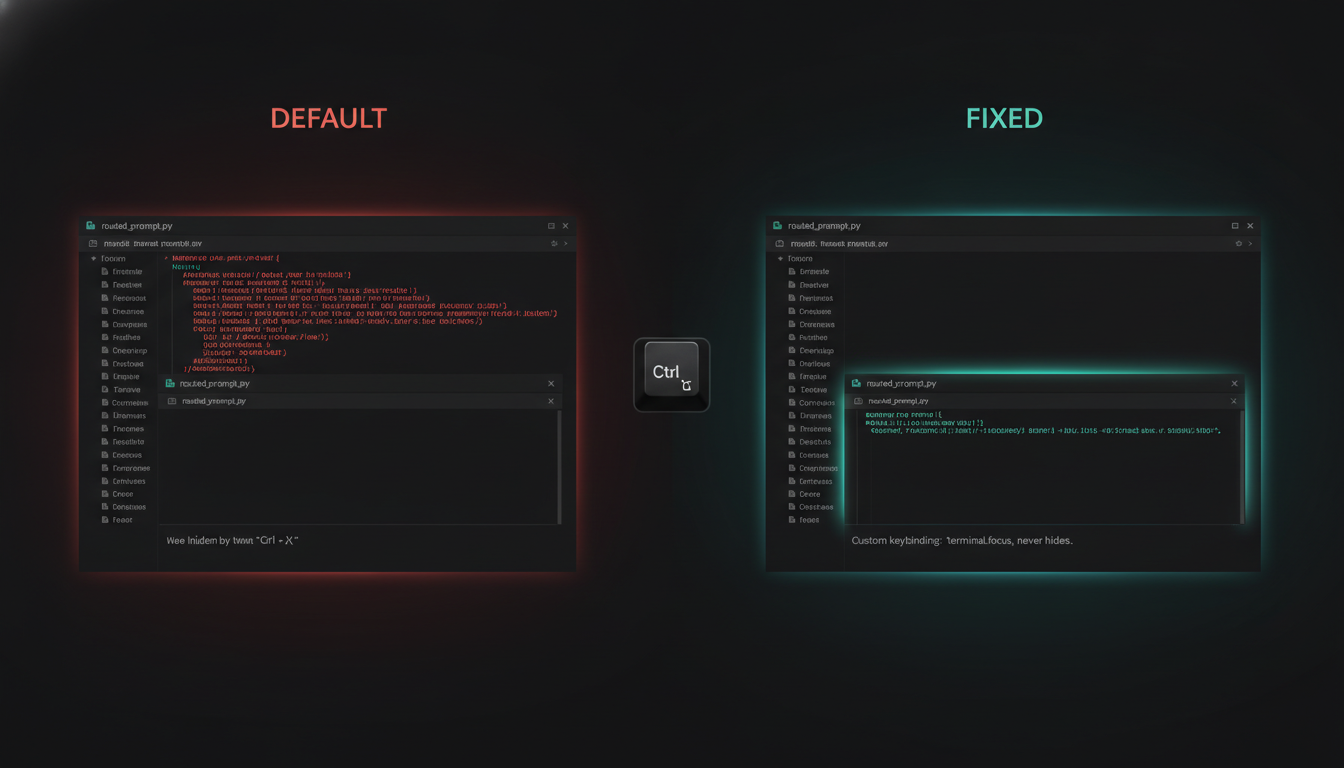
Then a subtle bug nearly sank it. Ctrl+` is supposed to focus the terminal — but VS Code's default toggles: if the terminal is already focused, the same key hides it, and my carefully-routed prompt paints straight into the source code instead. The fix was one custom, non-toggle keybinding bound to a “focus terminal” command that never hides — so the target is deterministic every single time, whatever state the window was in.
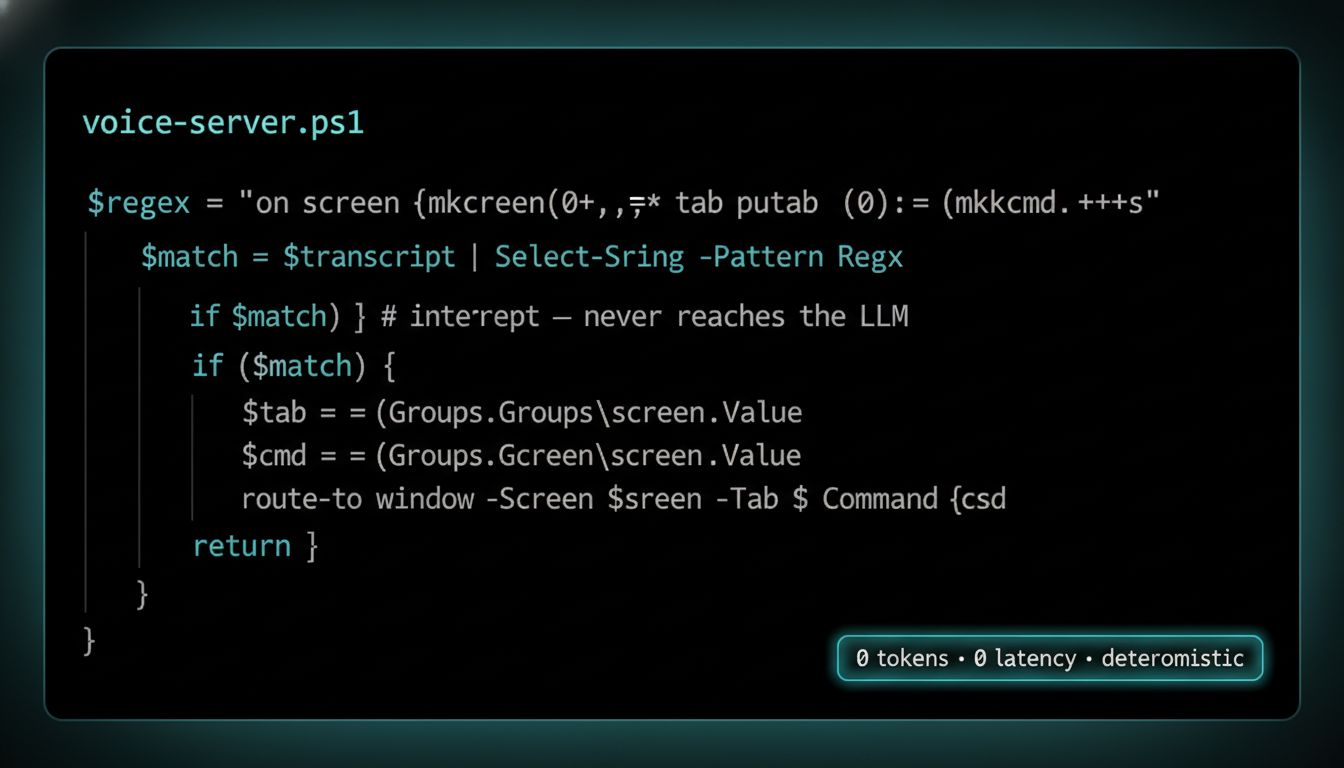
The voice server intercepts the screen N, tab M pattern with a plain regex before any AI model sees it. That means zero tokens spent to route, zero added latency, and — the part that matters — zero risk of a model mishearing and firing “delete the tests” at the wrong project. The AI does the work inside the target window; it never decides which window. Deterministic addressing, intelligent execution — kept on separate rails on purpose.
Four frames from the build: the spare-device screen fabric, the live window map, the regex that routes before any model wakes up, and a spoken command landing in the correct window. Tap any image to enlarge it and read the exact prompt that drew it.


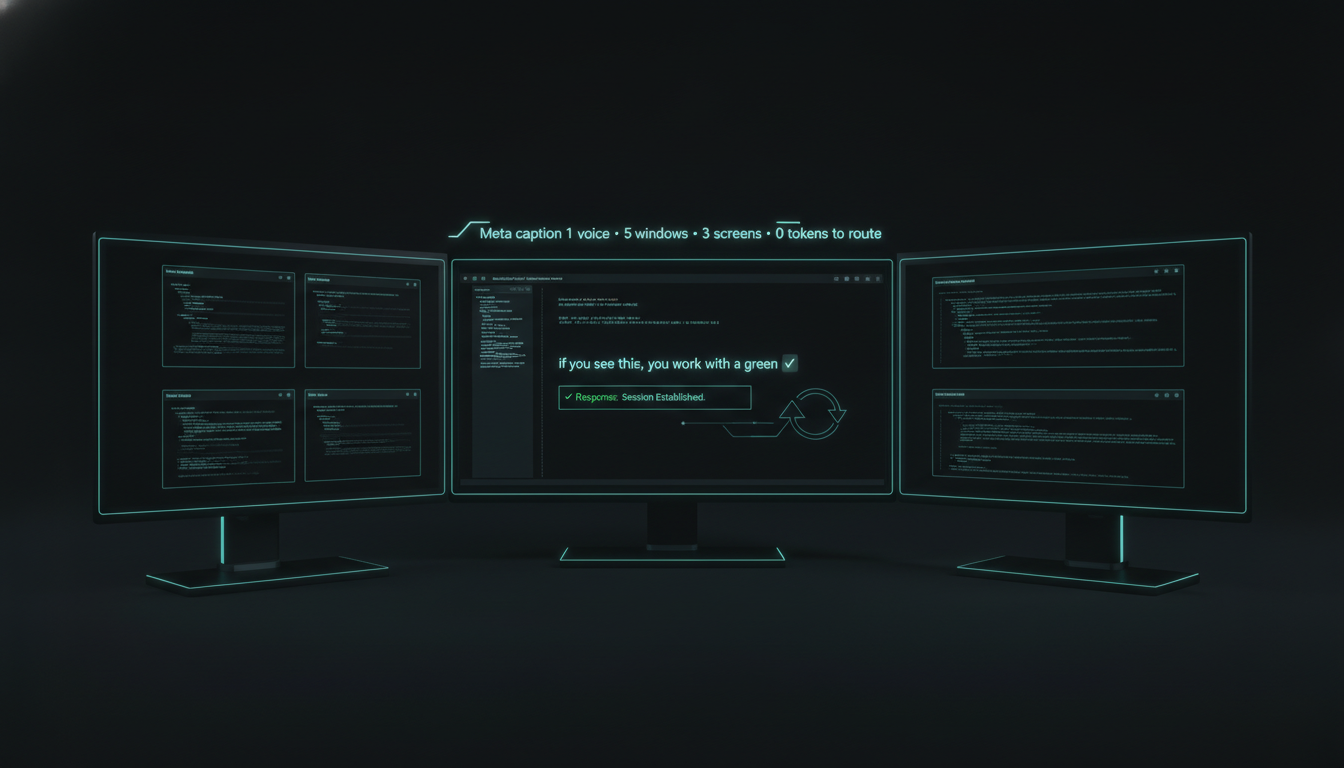
The router's own first live test was the proof: it injected a message into the very Claude Code session that had just built it — “if you see this, you work.” It saw it. It worked. Now I speak the screen and the tab, the regex routes it in nothing flat, the non-toggle keybinding focuses the right terminal, and the correct session on the correct monitor starts executing — while every other window sits untouched.
The full walkthrough: build the screen fabric, enumerate every window live, intercept the command with a regex, and speak the prompt into the correct session on the correct monitor.
Two moves you can copy today — turn spare devices into monitors with spacedesk, and route spoken commands to a specific window with a live Win32 enumeration plus a regex intercept that never spends a token. Everything in this series is free and open.
{ "key": "ctrl+`", "command": "workbench.action.terminal.focus" } // focus-only, never toggles
Want this pointed at your own multi-screen setup? Mail jacob@skogstrom.se — one call, no pitch.
Routing a command into the right session is one direction. The next build closes the loop — the sessions report their own state back to one place, so I hear which window needs me before I've even looked at it.